
Files & Deliverable Assets
The Files & Assets tab provides a secure digital asset hub for every project, replacing fragmented Google Drive or Dropbox links.
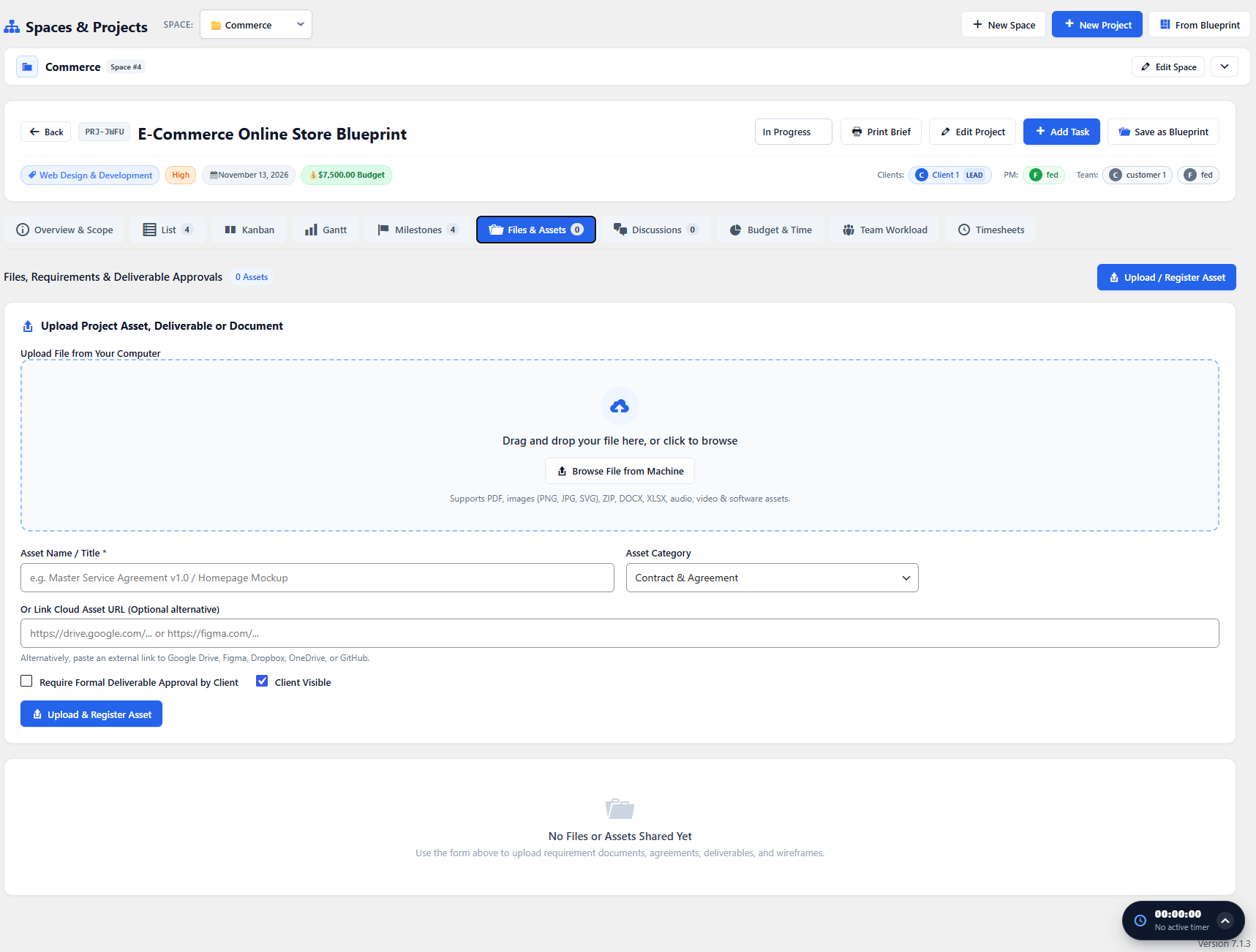
Uploading & Categorizing Assets
Section titled “Uploading & Categorizing Assets”- Click Upload Asset to drag and drop design deliverables, PDFs, spreadsheets, or ZIP archives.
- Assign an Asset Category (e.g., Brand Assets, Wireframes, Contracts, Staging Builds).
- Tag linked tasks or milestones so assets remain contextualized with deliverables.
Client Asset Sharing & Versioning
Section titled “Client Asset Sharing & Versioning”Clients accessing the project through Frontend Dashboard can view, inspect, and download approved assets without seeing internal drafts or developer scratch files.