
Task List View & Bulk Actions
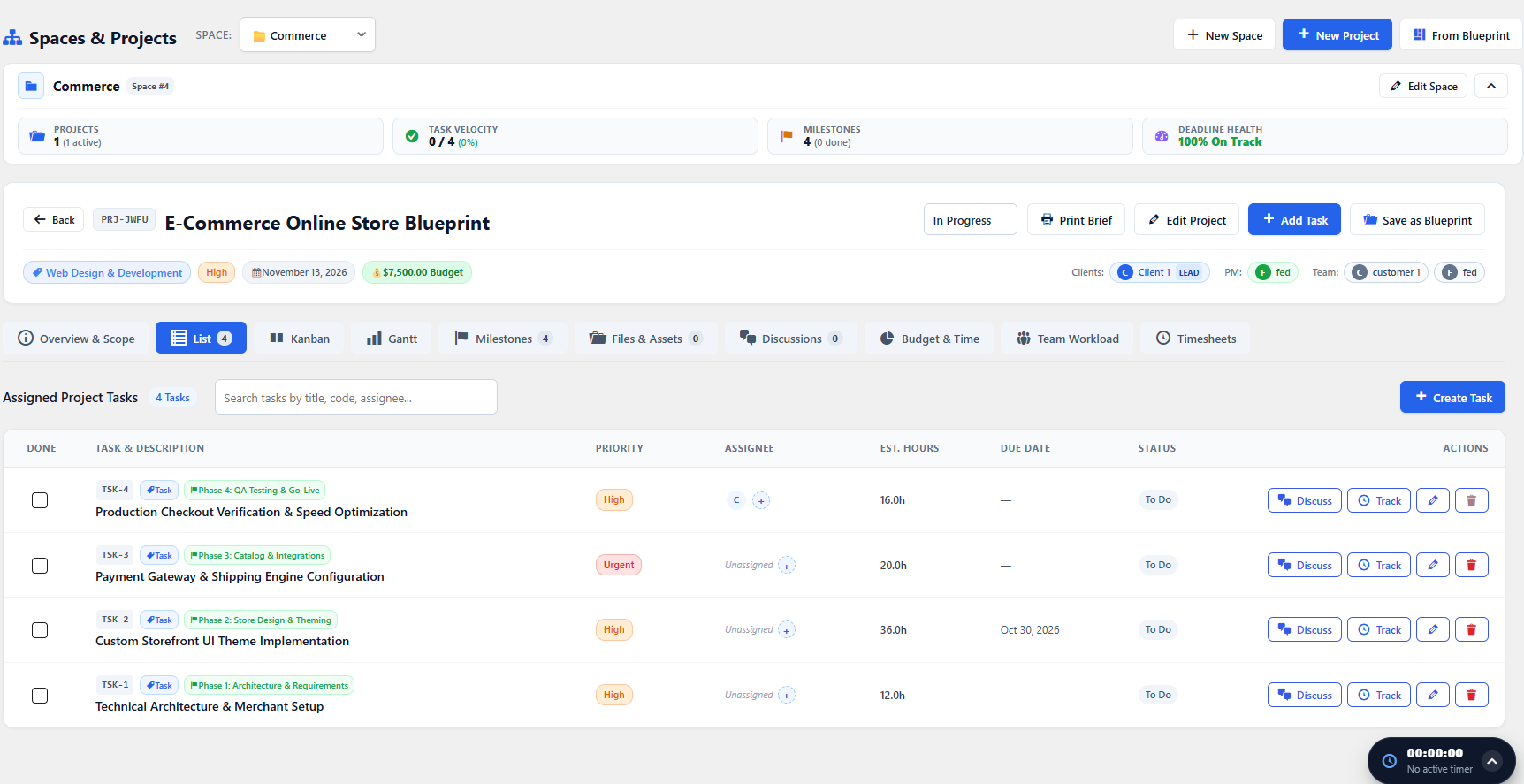
The List View provides a fast, tabular interface optimized for high-volume task review and sprint planning.
Powerful Filtering & Sorting
Section titled “Powerful Filtering & Sorting”At the top of the List View, use the search and filter controls to isolate tasks:
- Search Query: Real-time keyword search across task titles and ticket references.
- Filter by Status: Show all, or isolate To Do, In Progress, In Review, or Completed.
- Filter by Priority: Filter for Urgent or High priority bottlenecks.
- Filter by Milestone: Focus exclusively on deliverables due for the current sprint.
- Filter by Assignee: See what tasks are assigned to a specific team member.
Inline Editing & Quick Updates
Section titled “Inline Editing & Quick Updates”You don’t need to open the modal to update common fields:
- Click the Status Badge to advance a ticket directly to the next workflow stage.
- Click the Assignee Avatar to open the quick assignee picker popover.
- Click the Priority Tag to adjust urgency on the fly.