
Live Stopwatch Time Tracker
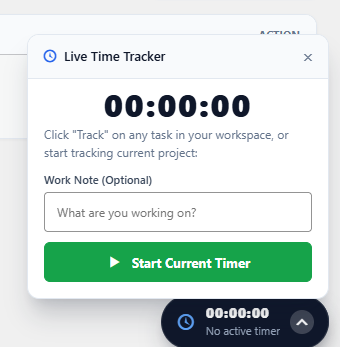
The Live Stopwatch Timer lets team members track focused work sessions directly on active tasks with a single click.
How It Works
Section titled “How It Works”- Open any task card or inspect it inside the Single Task details drawer.
- Click the Start Timer (Play) icon.
- The stopwatch runs in the background as you work, updating active seconds and minutes.
- When you finish or switch tasks, click Pause / Stop.
- WorkFuz automatically saves the session into the project timesheet with exact duration and task attribution.